
Description
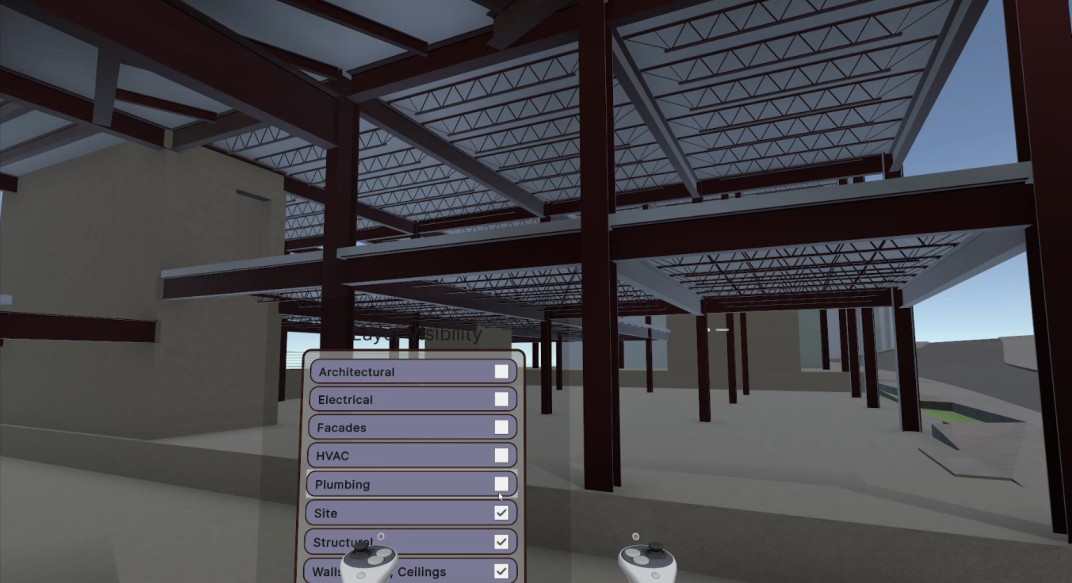
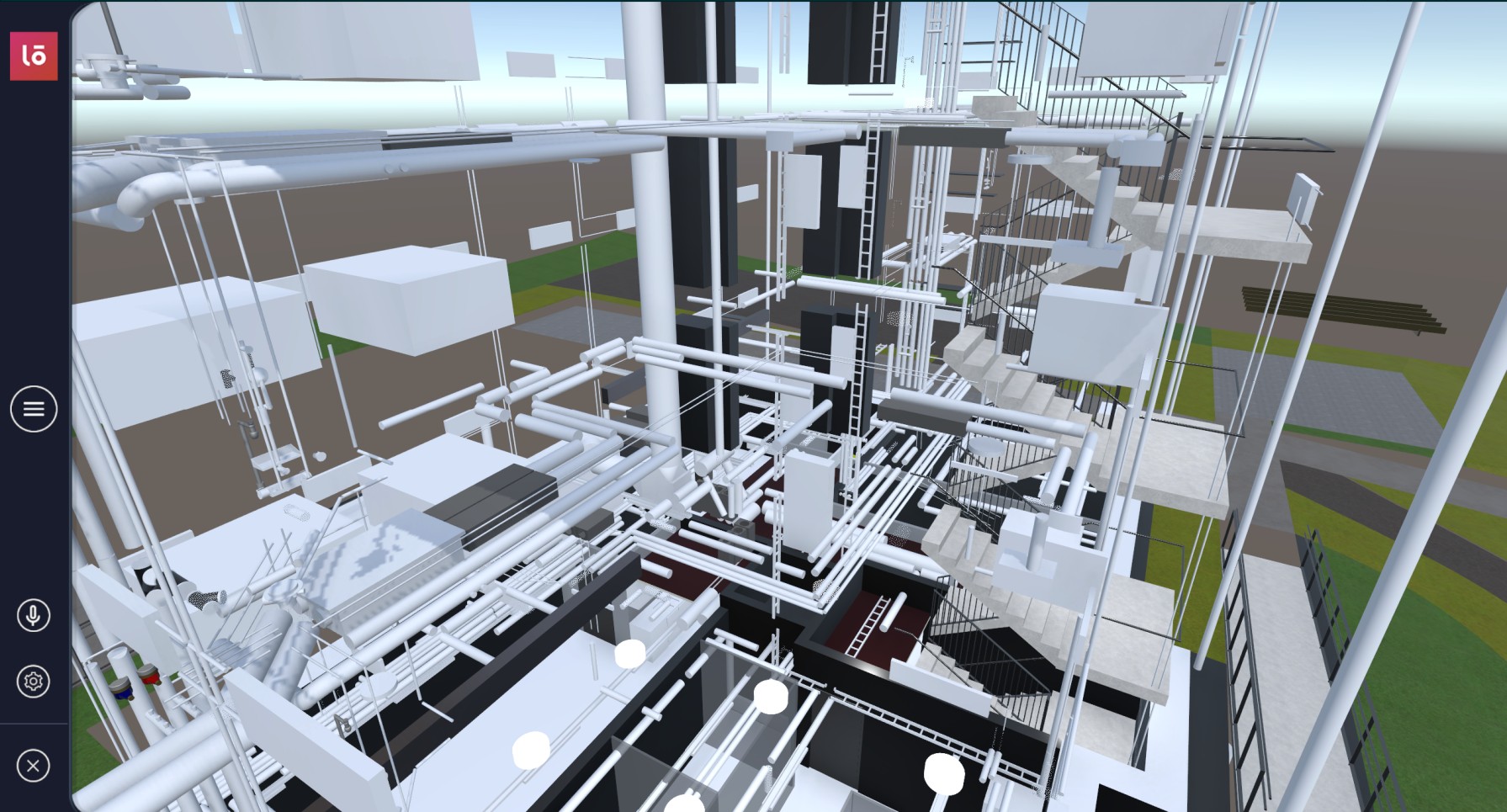
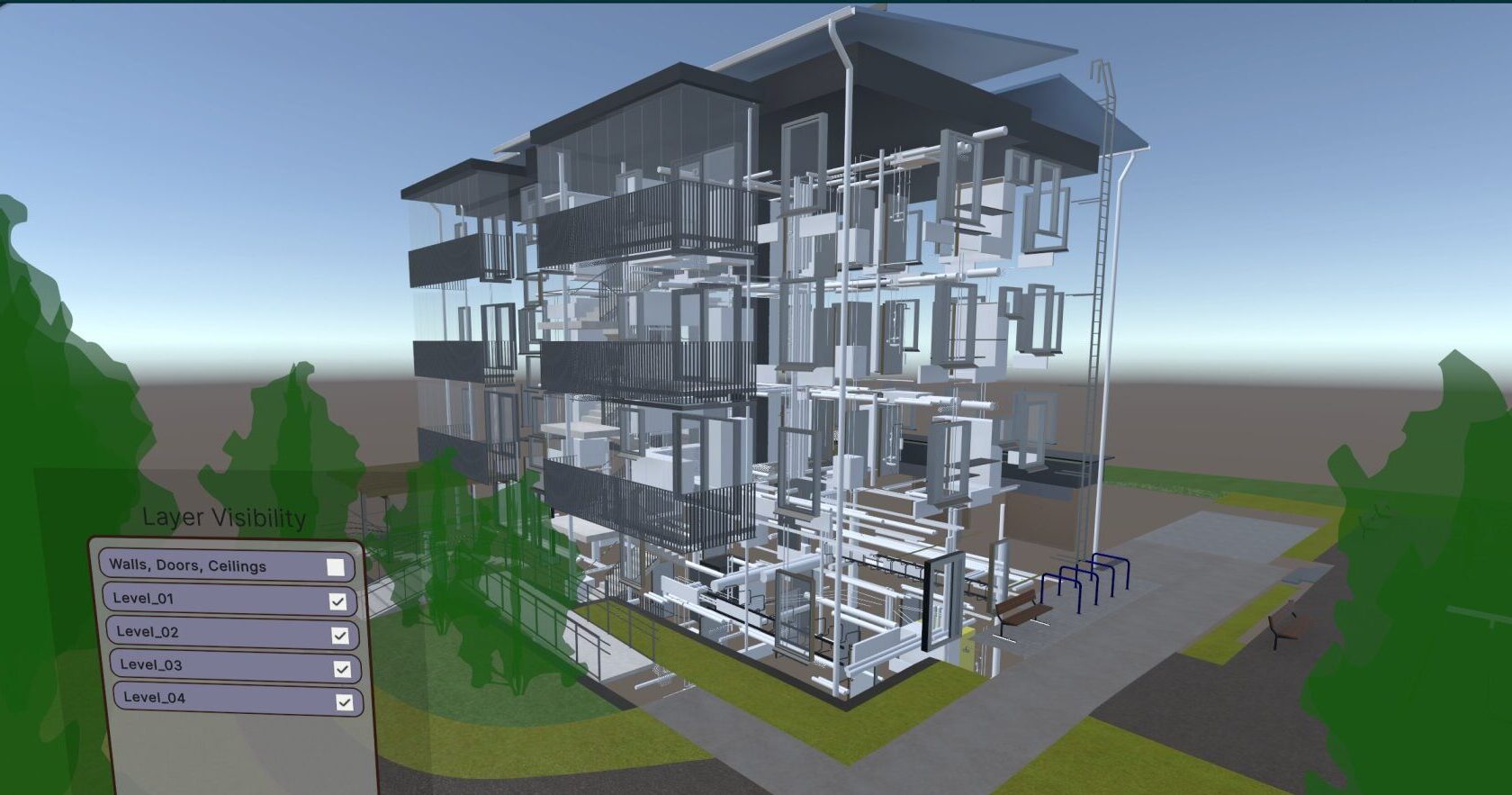
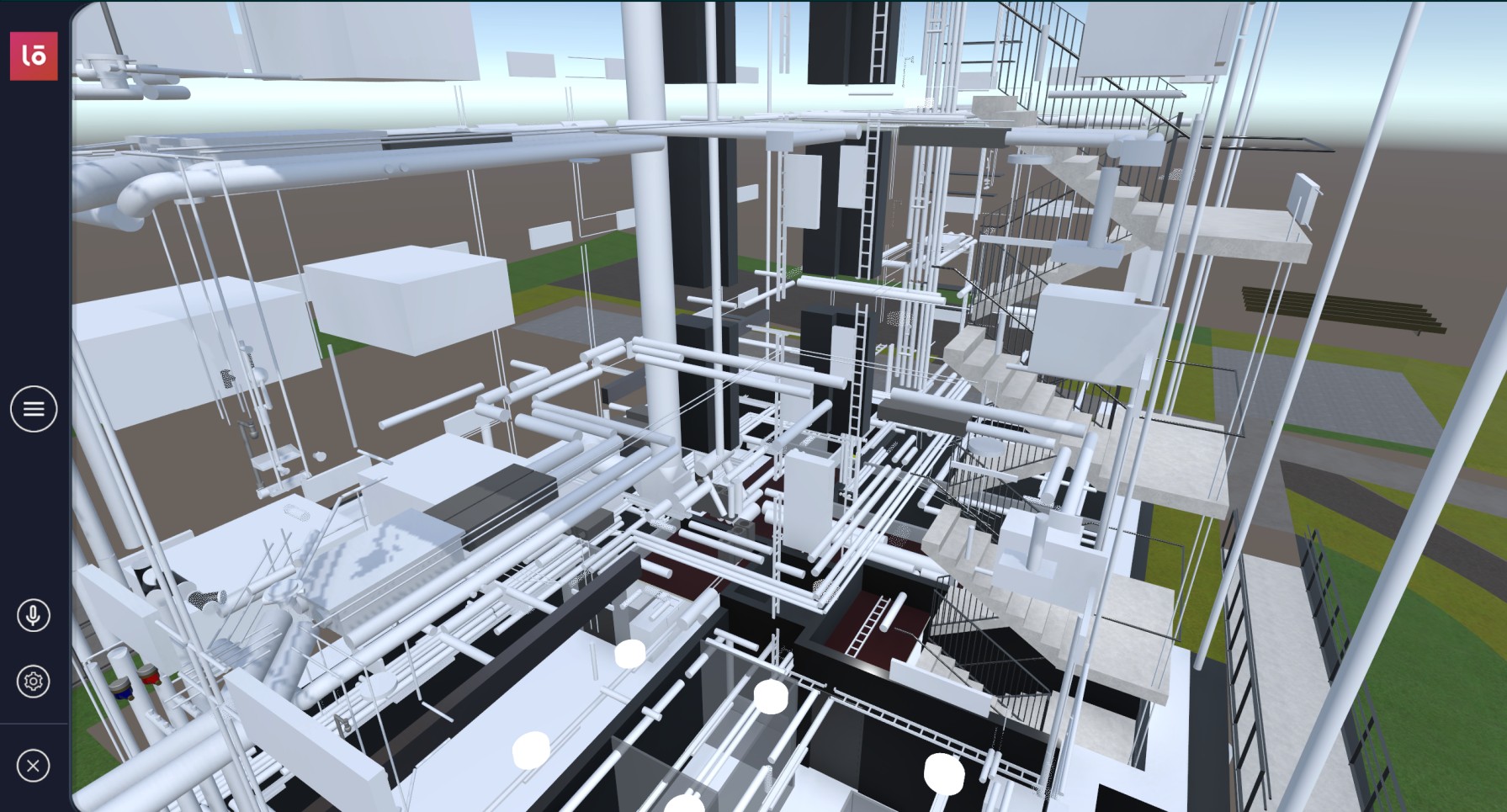
The VIROO Studio BIM Review Template is a pre-configured project designed to accelerate and simplify the creation of Interactive XR experiences using BIM models. Its main function is to enable the development of a smooth workflow for processing a 3D model coming from Autodesk Revit, transforming it within Unity using the Asset Transformer tools.
The value this template provides is evident in several key areas:
Rapid and Automated BIM Transformation
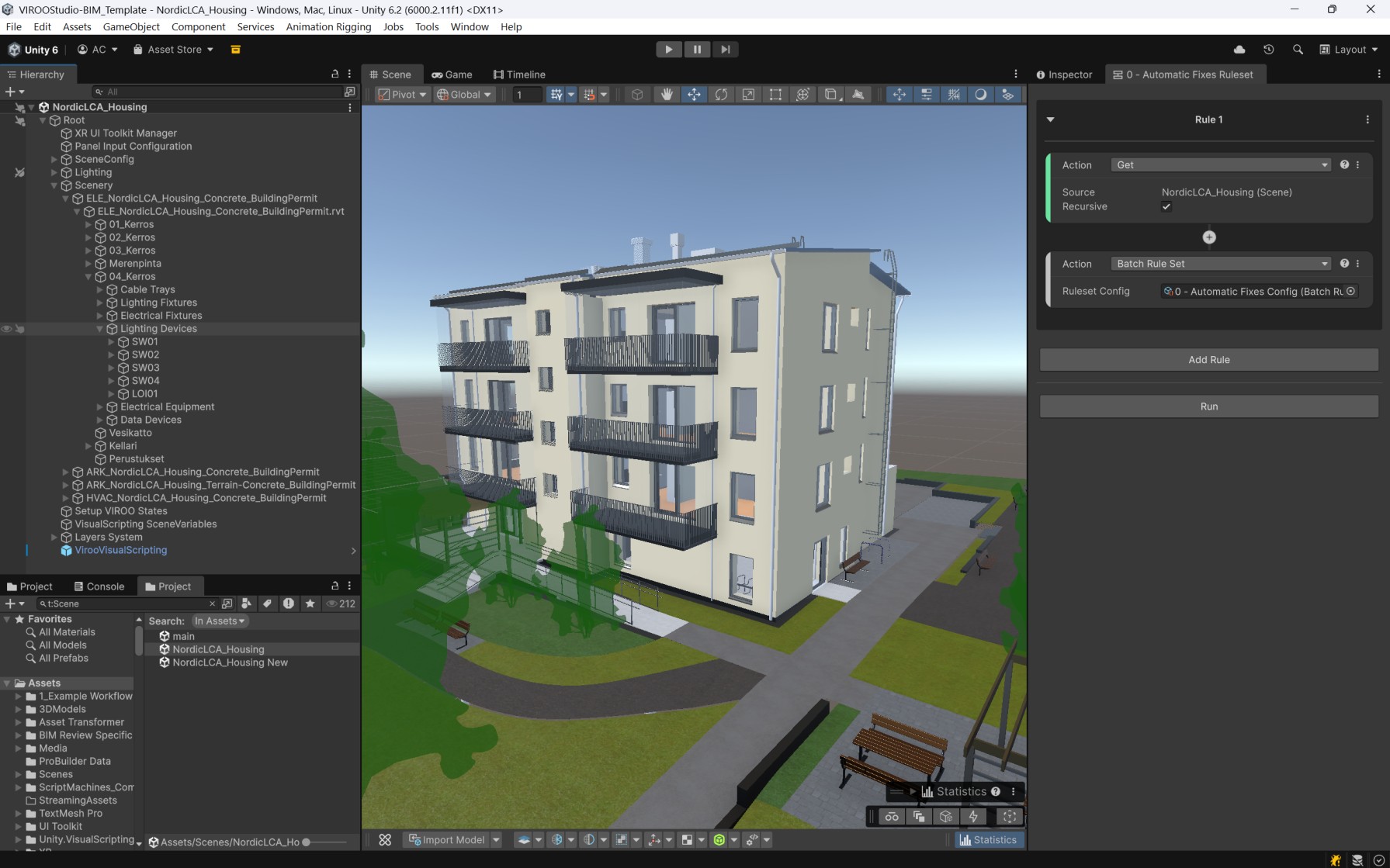
The template makes extensive use of the Asset Transformer Rules and Rulesets. These rulesets are persistent workflows that are applied automatically to the imported assets based on their metadata.
- One-Click Optimization: The 0-Automatic Fixes Ruleset is an aggregate that runs a configured batch of fixes in one go, dramatically saving time on manual setup.
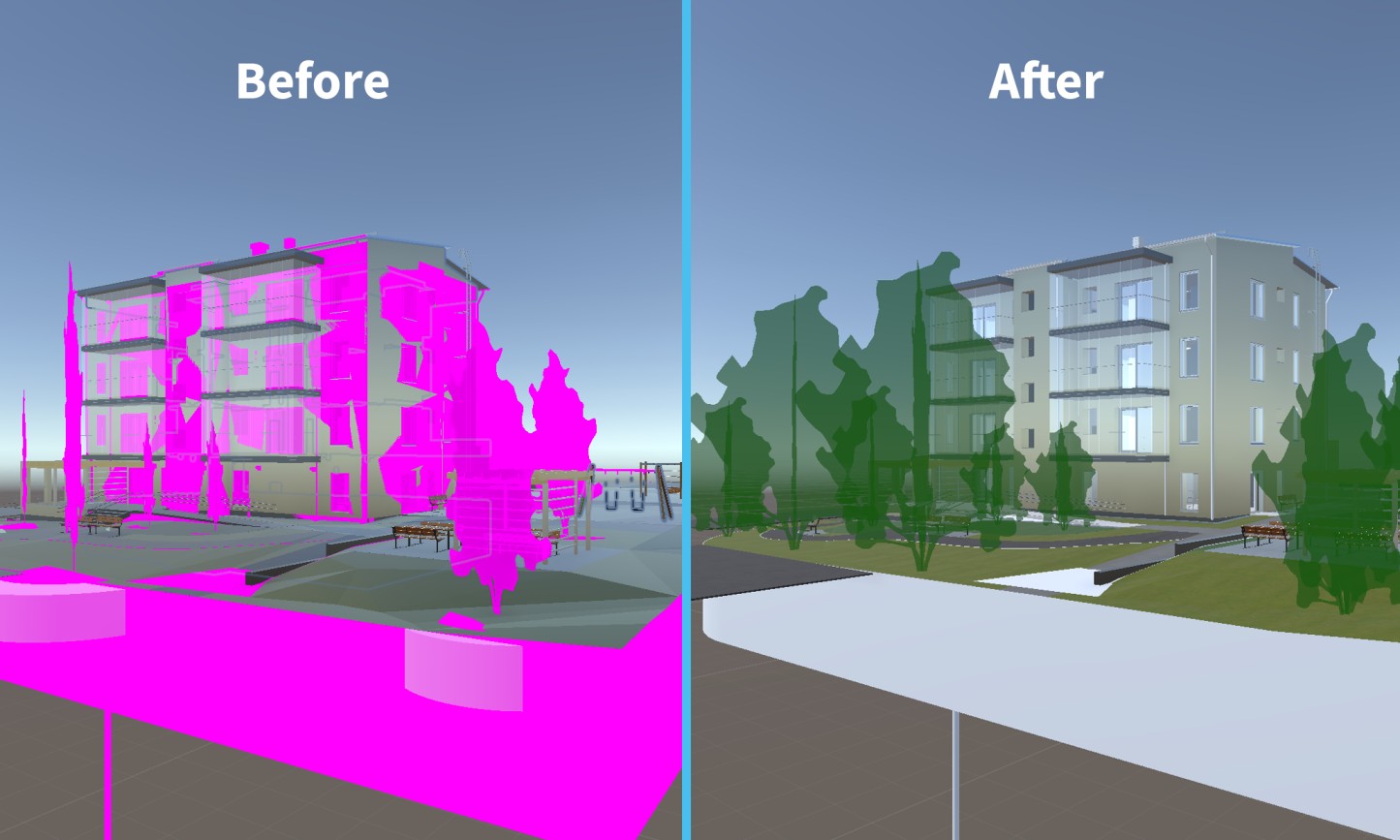
- Automatic Cleanup: It automatically corrects common Revit import issues, such as removing duplicated metadata in parent objects, fixing wrong default materials, and eliminating cross-references from other linked project files (HVAC, ELE, etc.).
- Fixes Display Issues: It applies small offsets to floors to avoid visual overlapping (z-fighting) and fixes incorrect vertical coordinates due to Revit's "Height Offset From Level" constraint (e.g., in Compound Ceilings).
Smart Interactivity and Visual Quality
The template includes various pre-configured tools to improve the model's appearance and prepare it for the VIROO platform.
- Improved Materials: The Materials Improve Ruleset automatically substitutes Revit materials with higher-quality Unity materials, including those using the Triplanar Shader to generate texture mapping on geometries that lack UV coordinates.
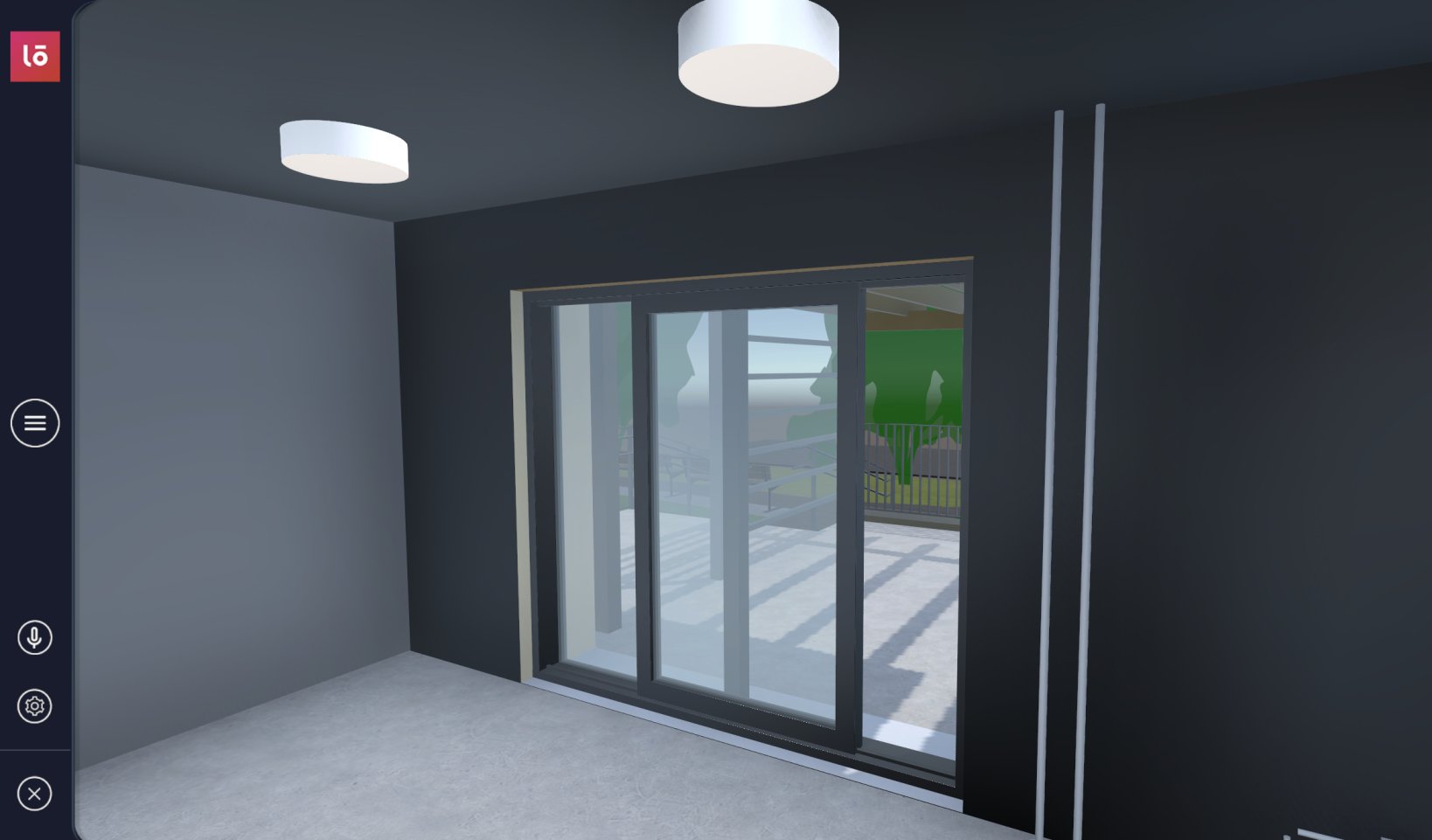
- Prefab Replacement: The Prefabs Replacement Ruleset automatically replaces static Revit objects with interactive prefabs, such as animated doors, using metadata-based criteria.
- Walkable Floors: The Set VIROO Floors Ruleset uses a Smart Metadata Filter to select all floor, stair, and toposolid elements and adds the necessary Unity components to define them as walkable areas.
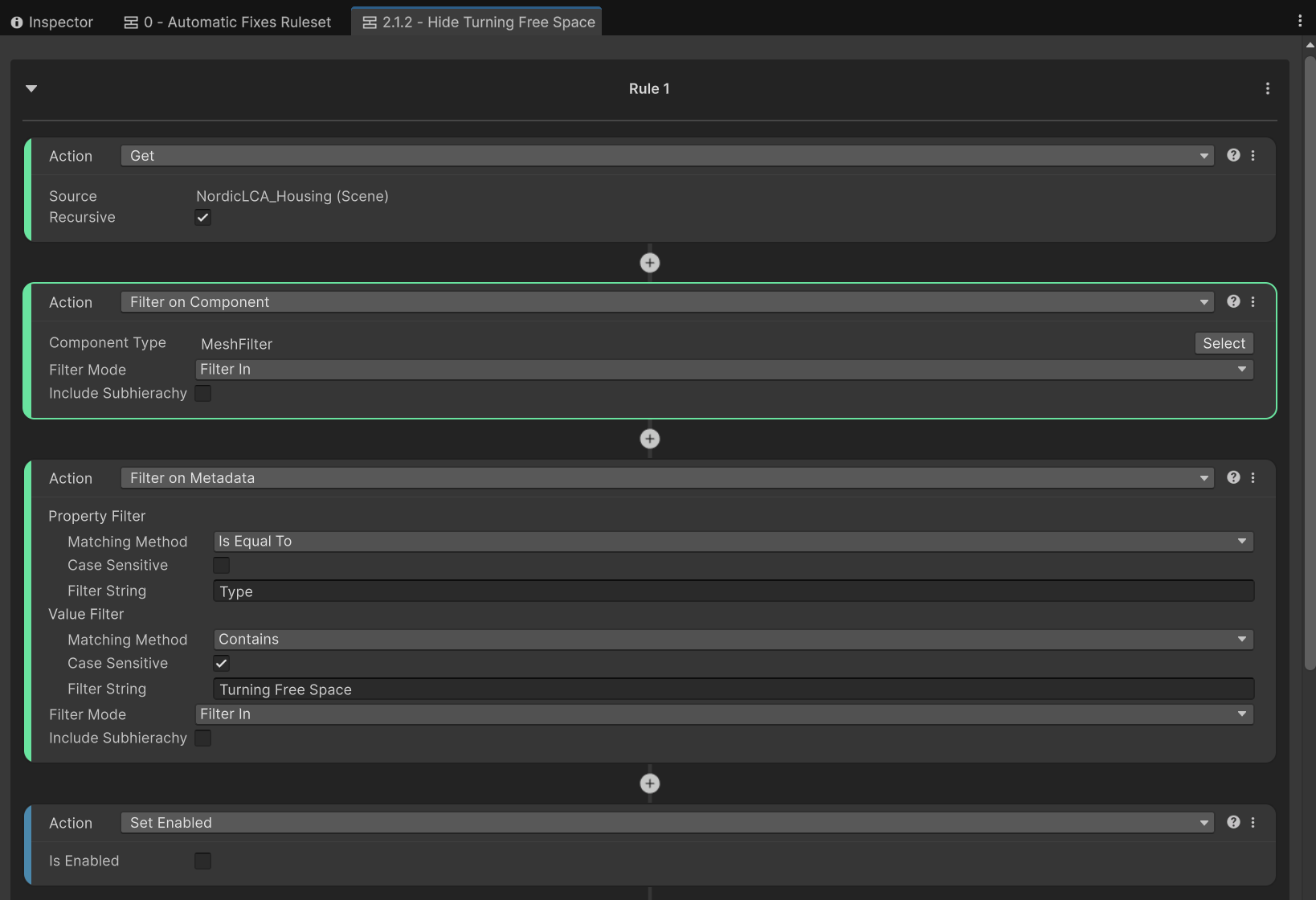
- Hides Unnecessary Geometry: It uses filtering rules to hide auxiliary or logical objects (like "Sea Level Toposolids" or accessibility "VOLUME" areas) that are not meant to be visually present in the final experience.
Step Tracking and Evaluation
The template’s structure, based on persistent Rulesets, allows for the creation of a common transformation workflow that can be consistently reused across different Revit projects, provided they follow a homogeneous setup.
In summary, this template not only offers a solid structure for efficiently converting complex BIM data from Revit into a viable Unity project, but it also automates quality assurance and setup for interactive VIROO experiences, ensuring rapid iteration as models evolve.
Project Specifics
- Multiuser
- Multidevice
- Mixed Realty
- Standalone